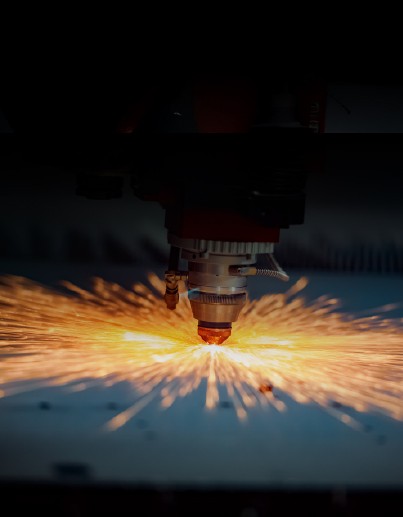
Laser cutting burn marks on metal can turn a finished part into a costly rework job. Whether you are cutting stainless steel, carbon steel, or aluminum, dark edges and surface discoloration can affect product appearance and quality. If your laser cutting machine keeps leaving burn marks, the cause may be incorrect cutting parameters, unsuitable assist gas, heat accumulation, or material contamination. Understanding what causes laser cutting burn marks can help you improve cutting quality, reduce scrap, and avoid unnecessary post-processing.
What Causes Burn Marks in Laser Cutting?
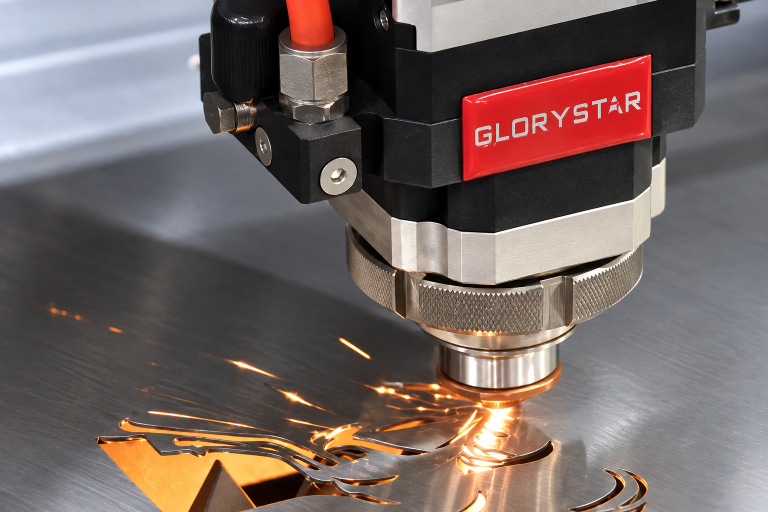
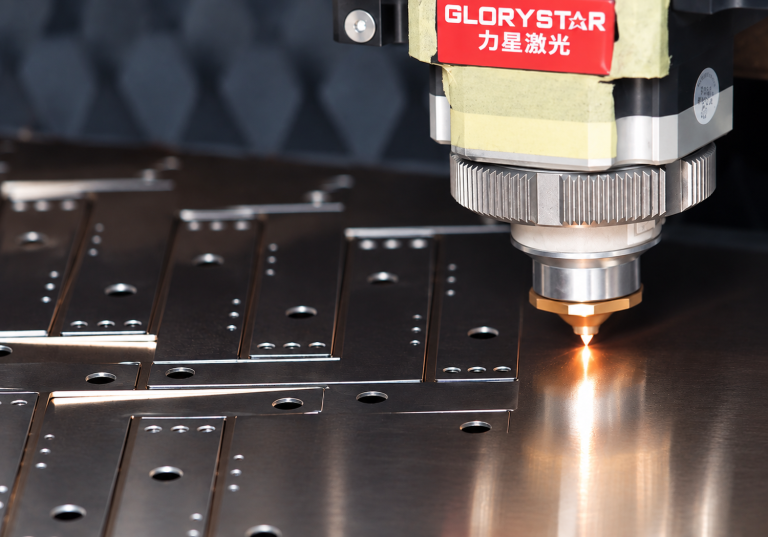
Laser cutting uses a concentrated beam of energy to melt or vaporize metal along a programmed path. During this process, heat is generated around the cutting area. When heat is not properly controlled or removed, it can leave visible marks on the workpiece.
However, not all burn marks have the same cause. Some result from oxidation, while others come from excessive heat, molten metal, or surface contamination. Identifying the type of mark is the first step toward solving the problem.
1. Incorrect Laser Cutting Parameters
One of the most common causes of laser cutting burn marks is an unsuitable combination of laser power, cutting speed, and focal position.
When cutting speed is too slow, the laser stays in one area longer than necessary. This increases heat input and may cause dark edges, excessive melting, or discoloration. Excessive laser power can also introduce more energy than the material requires.
To improve cutting quality, match laser power and speed to the material and thickness. Check the focal position and use tested cutting parameters instead of changing several settings randomly.
If burn marks appear only around small holes, corners, or tight contours, heat may be accumulating in those areas. The cutting path and part geometry may need attention.
2. Incorrect Assist Gas or Gas Pressure
Assist gas helps remove molten metal from the cutting area and affects the appearance of the cut edge.
Oxygen is commonly used for carbon steel because it supports an oxidation reaction that generates additional heat. However, excessive oxidation can leave dark or oxidized edges.
Nitrogen is often used for stainless steel and aluminum when a cleaner, less oxidized edge is required. If gas pressure is insufficient or unstable, molten material may not be removed effectively, resulting in dross, rough edges, or discoloration.
Check whether the gas matches the material and cutting requirements. Inspect the nozzle for damage or blockage, and verify that gas pressure and supply conditions remain stable.
3. Poor Focus or Contaminated Cutting Components
Incorrect focus can change how laser energy is distributed inside the material. This may affect cut width, heat concentration, and molten-metal removal.
A contaminated protective lens, damaged nozzle, or dirty cutting head can also reduce cutting performance. If burn marks appear together with rough edges, excessive dross, or inconsistent cutting results, inspect these components.
For fiber laser cutting machines, regular inspection of the protective lens, nozzle, and cutting head helps identify problems before they lead to production losses.
4. Heat Accumulation During Cutting
Heat accumulation is particularly common when cutting thin sheets, small holes, narrow slots, and closely spaced contours.
When the laser repeatedly cuts near the same area, the surrounding metal may not have enough time to cool. This can cause discoloration, distortion, or excessive melting.
To reduce heat accumulation, review the cutting sequence and nesting layout. Avoid unnecessary repeated passes, use suitable parameters for small features, and consider how closely spaced contours affect heat distribution.
For production involving many small parts, the cutting program can directly influence finished-part quality.
5. Dirty or Inconsistent Material Surfaces
Sometimes, the machine itself is not the main cause of burn marks.
Rust, oil, coatings, dirt, and surface oxidation can affect how the laser interacts with metal. These conditions may contribute to inconsistent cutting or visible surface marks.
If the problem appears only on a new batch of material, compare its surface condition with previously processed sheets. Cleaning the material when appropriate and confirming its suitability for the cutting process may help prevent recurring problems.
How to Remove Burn Marks After Laser Cutting
The right removal method depends on the material and the type of mark.
Light discoloration may be removed through suitable cleaning or brushing. More noticeable oxidation or heat marks may require grinding or other surface-finishing methods.
However, removing a visible mark does not necessarily solve the original problem. Repeated post-processing increases labor costs and production time. If burn marks occur frequently, identifying and correcting the cutting issue is usually more efficient.
For stainless steel parts requiring a clean appearance, pay particular attention to oxidation and surface contamination. For carbon steel, distinguish between expected oxidation from oxygen cutting and unwanted surface damage.
How to Prevent Laser Cutting Burn Marks
A stable cutting process is essential for consistent laser cutting quality. When burn marks appear, follow a systematic troubleshooting process:
Identify whether marks appear on the cut edge, top surface, or both.
Check whether the issue affects all materials or only certain thicknesses.
Inspect the nozzle, protective lens, and cutting head.
Verify laser power, cutting speed, focal position, and assist gas settings.
Review the cutting path for areas where heat may accumulate.
Test adjusted parameters on sample material before resuming full production.
If cutting quality remains inconsistent despite proper maintenance and parameter adjustments, review whether the machine configuration meets your material and production requirements.
Improve Cutting Quality With the Right Laser Cutting Machine
Burn marks can lead to extra grinding, wasted material, higher labor costs, and delayed orders. Consistent results depend on more than laser power alone. Machine configuration, cutting components, motion performance, assist gas, and cutting parameters all affect the final product.
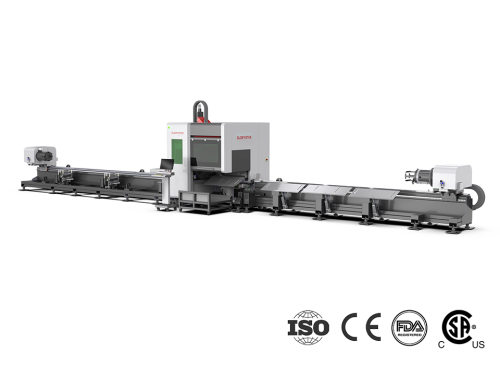
Glorystar provides fiber laser cutting solutions for metal fabrication businesses, helping manufacturers select equipment suited to their materials, thickness requirements, and production needs. With over 20 years of industry experience, Glorystar works with customers to identify suitable solutions that support stable production and help control operating costs.